Choosing CAD software for mechanical drawings usually comes down to cost and workflow: full commercial suites can be expensive, and subscription pricing does not always make sense for a single project or a class. The TRS Tools CAD Suite 2026 offers a different route: a physical media package that collects open-source 2D drafting and 3D modeling tools for Windows. Is that enough for real mechanical drawing work? Here is a focused look.
Quick Verdict
TRS Tools CAD Suite 2026 is a practical single-purchase option if you want both 2D drafting and 3D modeling tools on Windows. For USD 39.99, the package includes prepared physical media, organized software files, setup convenience, digital instructions, packaging, and reasonable seller assistance. The collection covers technical drawings, mechanical parts, product concepts, assemblies, visualizations, and educational projects, so it fits a mechanical workflow centered on sketches and assembly visuals.
Who It Suits
Students, hobbyists, and professionals who need a low-commitment Windows toolset for mechanical part drawings and 3D concept models will find this suite useful. The open-source tools make it more of a preassembled convenience package than a proprietary CAD product, and its stated scope points to education and concept work rather than heavy production.
What Stands Out from the Listed Details
- 2D and 3D together. Drafting, modeling, assembly design, visualization, and import/export are listed in one suite, which is helpful when mechanical drawings start as flat sketches and grow into assemblies.
- Windows 7 through 11. The compatibility range covers both older and current Windows machines.
- Lifetime license. You are not signing up for a subscription.
- Modest requirements. A 2 GHz processor and 2 GB hard drive space are the listed minimums.
Meaningful Trade-Offs
The main limitation is that this is not a retail-boxed commercial software package. It is a professionally prepared collection of open-source tools on physical media, so the purchase is about organization and convenience rather than a vendor-managed support ecosystem. The compatibility list is Windows-based, which limits the fit for anyone working outside that environment.
Product Spotlight
TRS Tools CAD Suite 2026
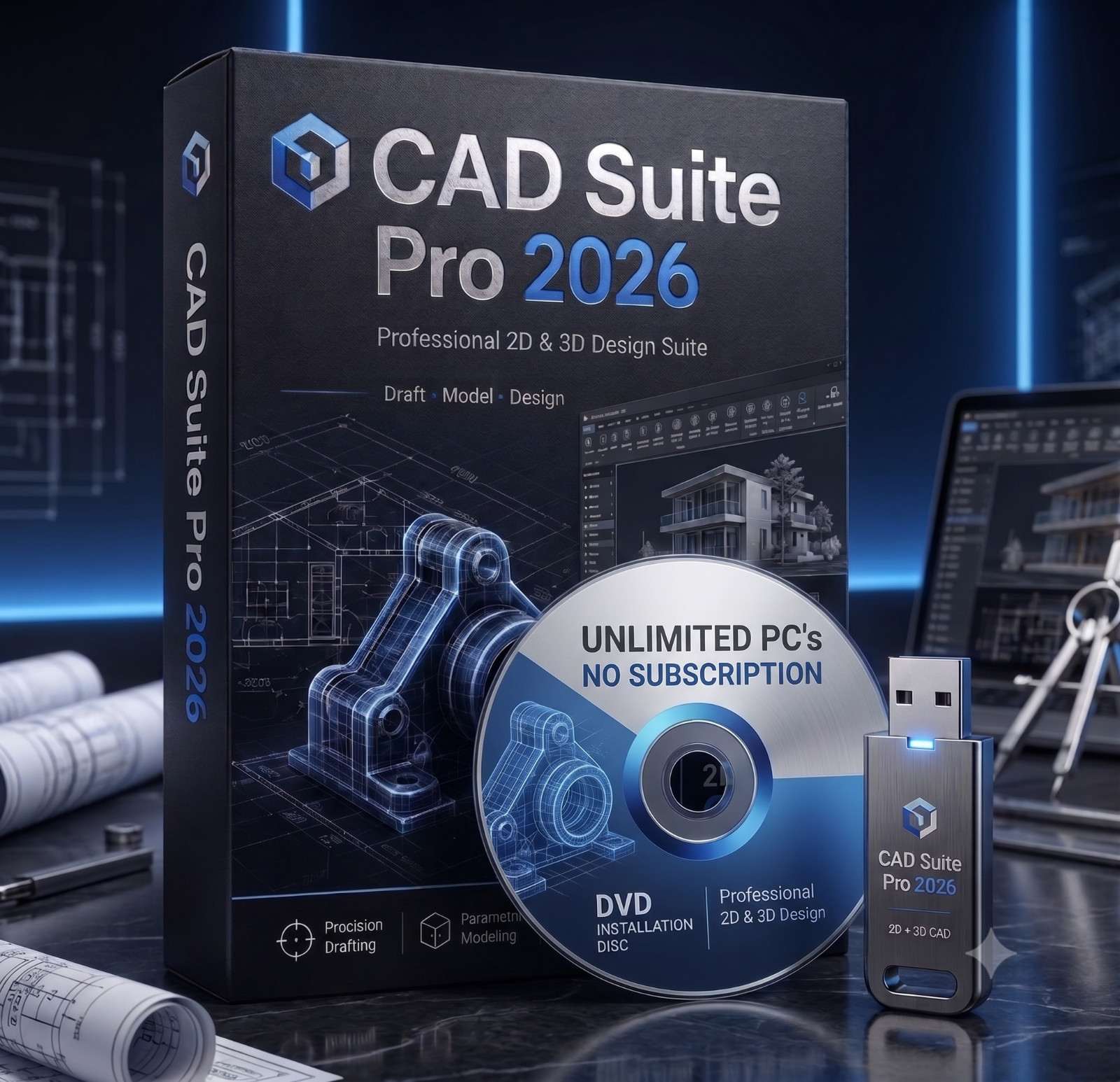
The clearest reason to choose this suite is the combined 2D and 3D scope: you can move from technical drawings to assembly visualization in one package instead of assembling separate tools yourself. The trade-off is that this is an open-source collection on prepared media, so expectations should center on setup convenience and seller assistance, not commercial software support. For mechanical drawing tasks that are educational, conceptual, or assembly-oriented, this balance is worth considering.
Bottom Line
For the price, the TRS Tools CAD Suite 2026 gives you a coherent Windows-friendly starting point for mechanical drawings that need 2D drafting, 3D modeling, and assembly visualization. It is not a commercial CAD substitute, but for many classroom, hobby, and concept-stage projects it provides the essential tools without a subscription.
