Quick verdict
If your projects are circuit diagrams and PCB layouts, the TinyCAD-based USB at $13.99 is the tighter fit. If you draw mechanical parts, floor plans, or other general 2D work and want DWG compatibility, the LibreCAD 2D 2026 USB at $15.99 gives you a wider canvas. The $2.00 spread between them is less important than the drafting focus. Both are English-language Windows USB tools, so the choice comes down to workflow, not platform.
At a glance
Both are brand-new English-language USB tools for Windows, so the table highlights what each one is best at.
| Product | Listed price | Core strength |
|---|---|---|
| TinyCAD Electrical PCB Circuit Design (USB) | USD 13.99 \[####----\] | Schematic capture with netlist output for PCB layout |
| LibreCAD 2D 2026 for Windows (USB) | USD 15.99 \[########--\] | General 2D CAD with DWG import/export and broad image compatibility |
Where each product wins
Choose TinyCAD when:
- Your work centers on circuit diagrams and PCB schematics.
- You want an open-source schematic capture tool delivered on USB for Windows 10/11.
- You need netlists that can move into PCB layout.
Choose LibreCAD 2026 when:
- You need general 2D drafting for architectural or mechanical line drawings.
- You work with DWG files and want import/export compatibility.
- You appreciate compatibility with formats like BMP, GIF, JPEG, PNG, SVG, and XPM on a Windows 7 through 11 machine.
Product notes
TinyCAD Electrical PCB Circuit Design CAD (USB)
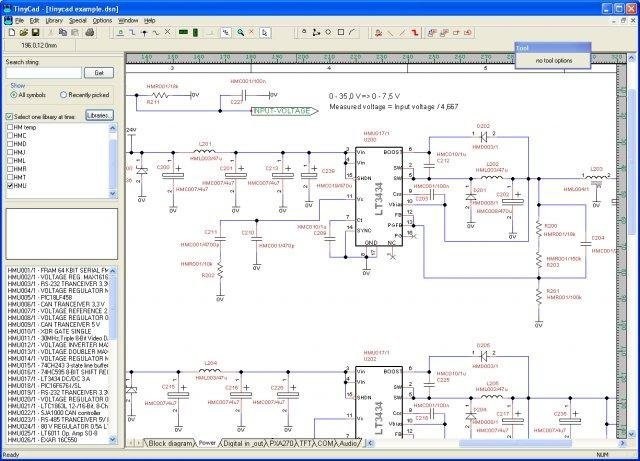
This USB edition is aimed squarely at people who draw circuits rather than general mechanical geometry. The program is described as an open-source schematic capture package, and its symbol library and netlist support make it especially useful when the final destination is a PCB layout. It is categorized as a Study Guide, reinforcing the learning and hobby audience, and it comes on a USB drive for Windows 10 and 11. The price tag also leaves room for other tools if you outgrow it. On the other hand, this is not a broad 2D CAD environment; its selling points are schematic capture and netlist generation, so a mechanical drawing or DWG-heavy workflow would feel out of place. For someone starting a PCB project on Windows 10 or 11, though, it's a focused starting point.
LibreCAD 2D 2026 CAD Software for Windows
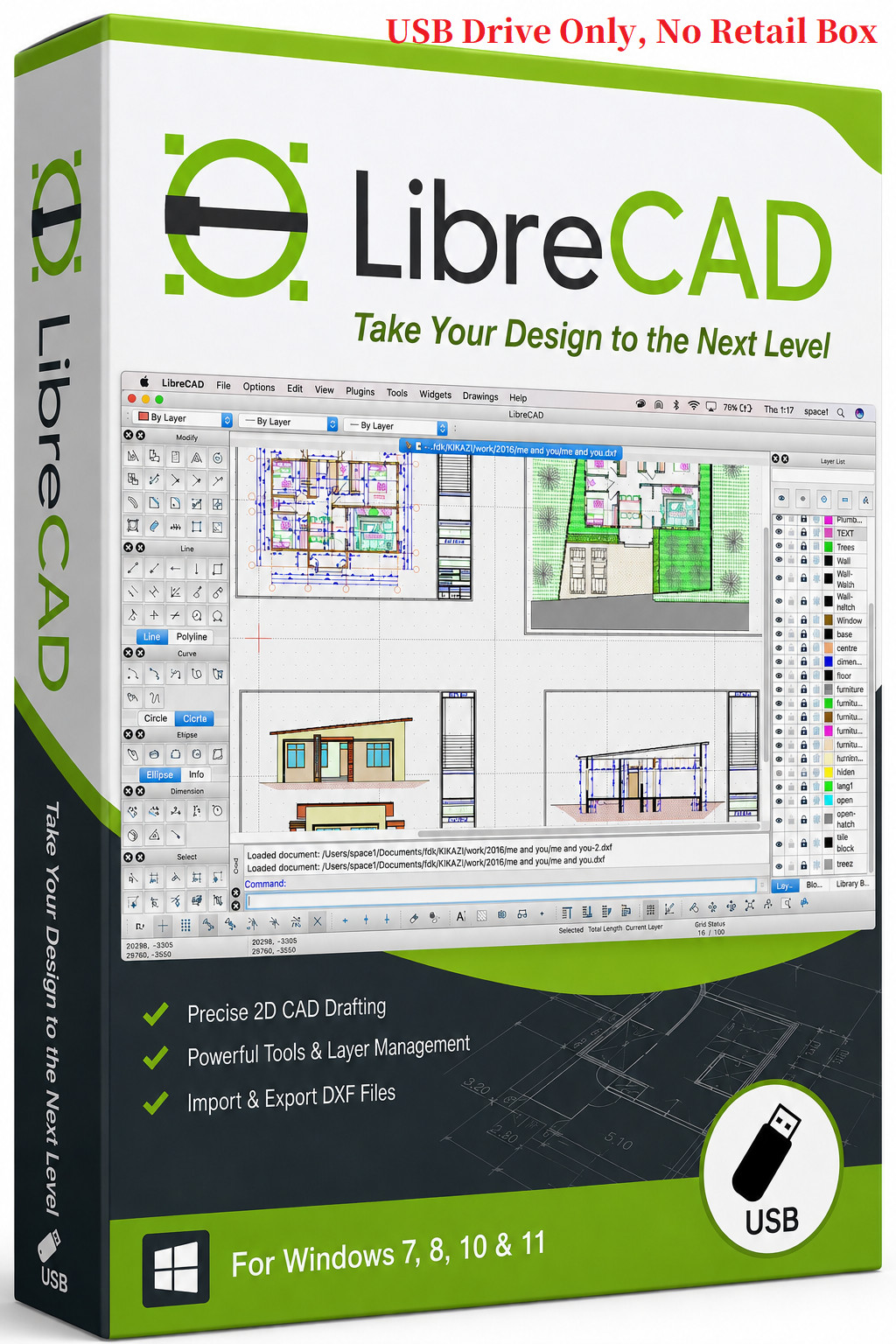
LibreCAD 2D 2026 is the broader tool at this price point. It is positioned as a user-friendly 2D CAD application with DWG import/export, and its compatibility with common raster formats such as JPEG, PNG, SVG, BMP, and GIF makes it easy to drop drawings into other documents. It runs on Windows 7, 8, 8.1, 10, 10 64-bit, and 11, has a 1 GB minimum hard drive space requirement, and comes on a flash drive with a lifetime license category, so the software is ready for long-term use. The main trade-off is that the scope is 2D drafting rather than schematic capture; PCB designers who only need netlists would be paying for capabilities they don't use. The package is also limited to the USB drive with no box, which matters if you like physical packaging.
Final choice
- For PCB schematic design on Windows 10/11: TinyCAD USB.
- For general mechanical drawings and DWG workflows: LibreCAD 2D 2026.
- For the lower outlay in this pair: TinyCAD; for the broader drafting canvas: LibreCAD.
