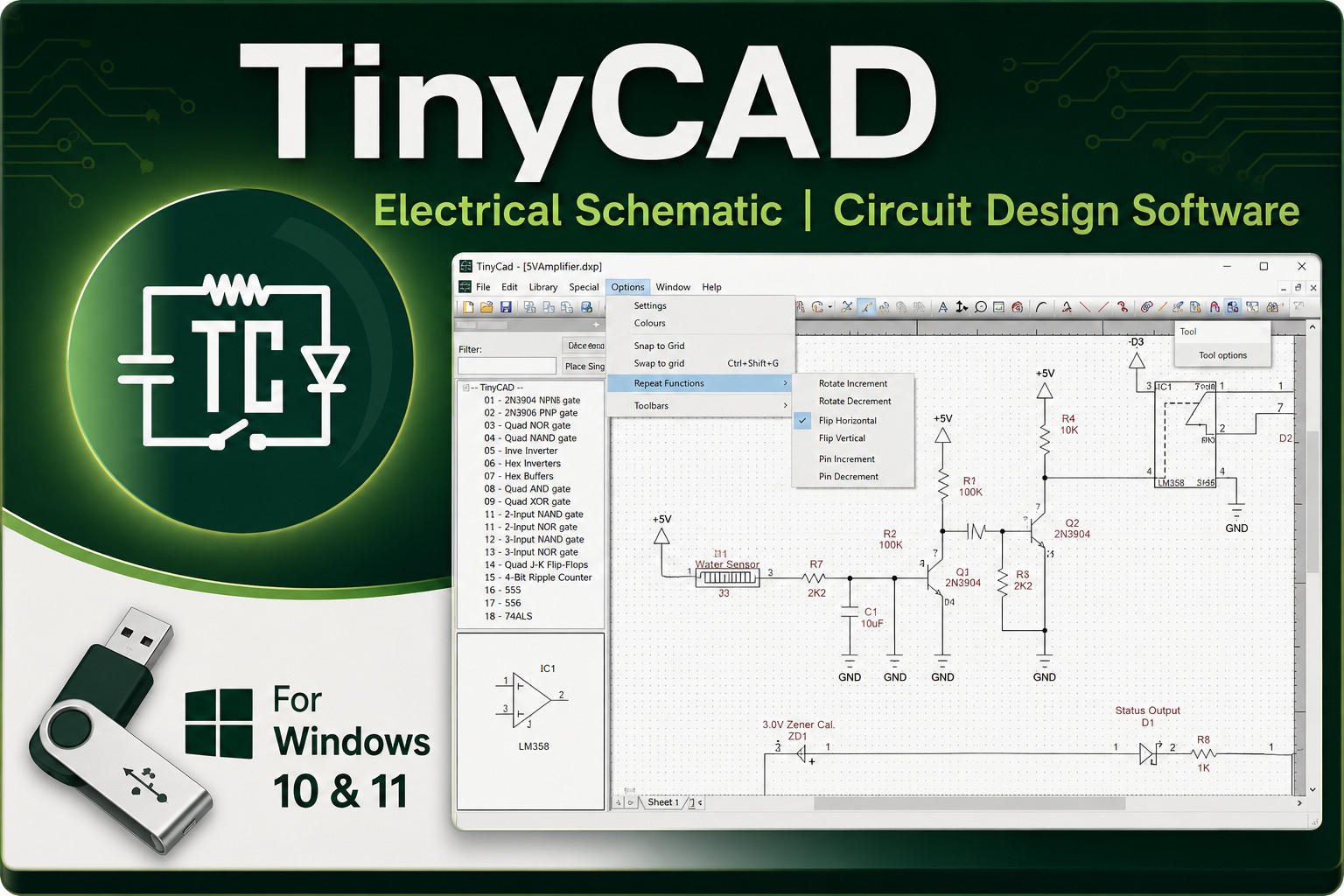
Trying to pick between two very different Windows CAD drawing programs? CorelCAD 2021 is a general-purpose 2D drafting and 3D design suite. TinyCAD is a specialist schematic-capture tool for electrical and PCB work. Both run on Windows 10 and 11, but their feature sets and listed prices are quite different, so your decision hinges on the kind of drawings you need to produce.
Quick verdict
If you need a full-featured CAD application for mechanical drawings, architecture, engineering, or 3D design, CorelCAD 2021 is the stronger pick at USD 41.99. If your projects are overwhelmingly electrical circuits, PCBs, and schematic diagrams, TinyCAD covers that niche at USD 15.99.
Comparison at a glance
| Product | Listed Price | Price Bar | Best For |
|---|---|---|---|
| CorelCAD 2021 | USD 41.99 | General-purpose 2D drafting and 3D design | |
| TinyCAD | USD 15.99 | Electrical schematic capture and PCB diagrams |
Both are English-language software releases for Windows, so the decision comes down to workflow focus and listed price.
Where each product wins
CorelCAD 2021 wins for versatility. It is a general-purpose CAD application with professional 2D drafting and 3D design tools for architecture, engineering, construction, and manufacturing. It supports industry-standard file types such as STL, PDF, and CDR, and lets you transform 2D drawings into 3D models. The listing includes a DVD in Like New condition and a lifetime license for Windows.
TinyCAD wins for specialized electrical design. It is positioned specifically for schematic capture and PCB circuit diagrams, with an extensive symbol library and netlist support for PCB layout tools. The listing is Brand New and priced at USD 15.99, making it the more economical route if you do not need general-purpose CAD tools.
Product notes
CorelCAD 2021
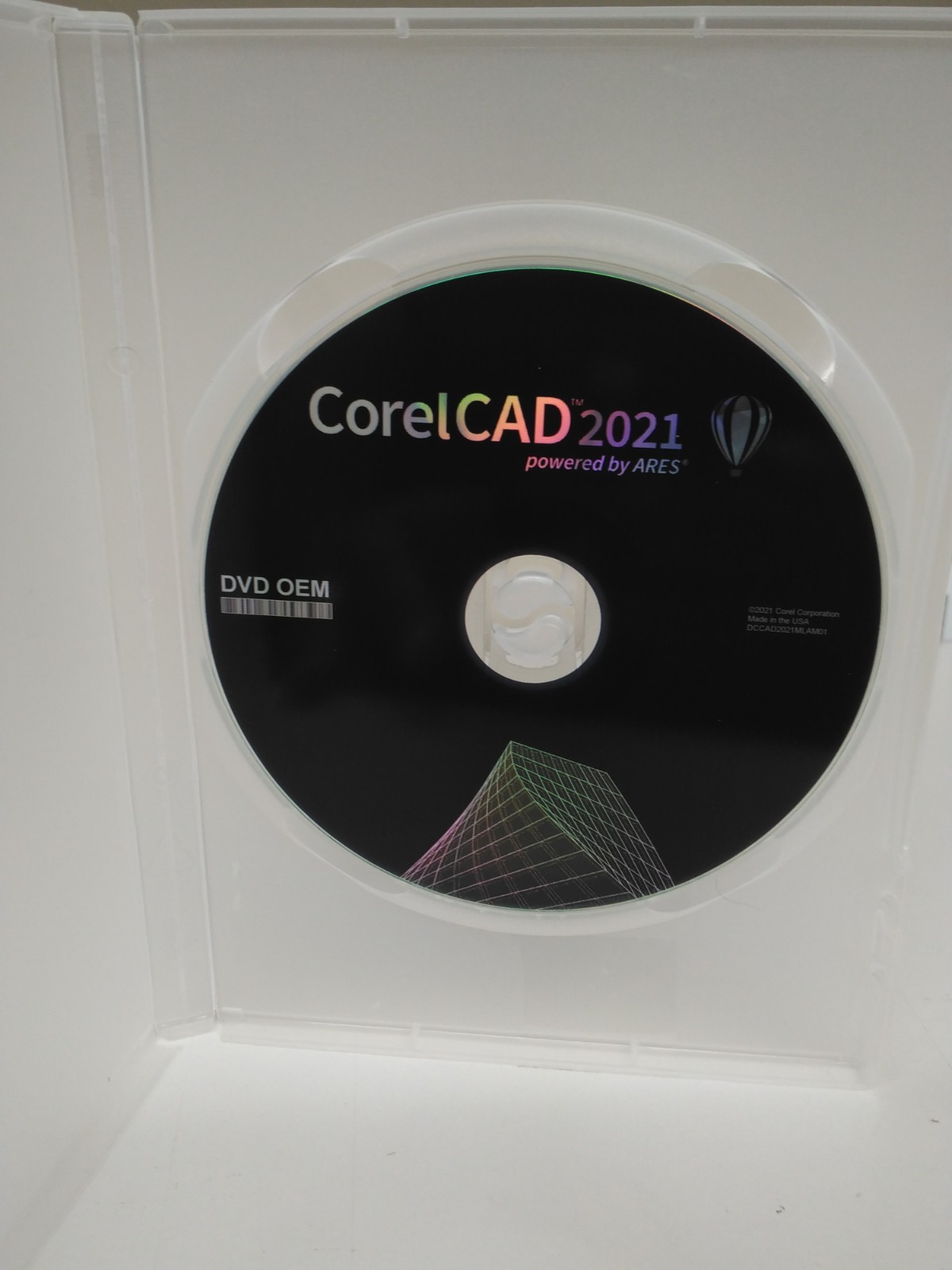
CorelCAD 2021 is the broader tool here. It combines professional 2D drafting with 3D design capabilities, which makes it a natural fit for architecture, engineering, construction, and manufacturing workflows. You get support for common file types like STL, PDF, and CDR, plus the ability to convert 2D drawings into 3D models. At USD 41.99, it is the higher-priced of these two, and the listing is for a Like New OEM DVD. The trade-off is price: you pay more than TinyCAD's listed price for a general-purpose design suite. If your work is entirely electrical schematics, you may not need the broader drafting and 3D modeling tools.
TinyCAD
TinyCAD is the specialist. The listing describes it as an open-source schematic capture program that is suitable for hobbyists, engineers, and anyone in between. It includes a comprehensive symbol library and netlist support for PCB layout, which makes it a practical choice for circuit diagram work. The listing is Brand New and priced at USD 15.99. The limitation is scope: it is not engineered for general mechanical drafting or 3D modeling, so if your needs also include architectural or mechanical drawings, you would still need a separate general-purpose CAD application.
Final choice by use case
Choose CorelCAD 2021 if you are drawing mechanical parts, architectural plans, or need 3D modeling alongside 2D drafting. Choose TinyCAD if your work is centered on electronics, schematic capture, and PCB designs, and you want the lower listed price. If you're on a tighter budget with a dedicated electronics role, TinyCAD gives you a focused tool for less. If you want one application that covers drafting and design broadly, CorelCAD is the all-around option.