Choosing between a broad drafting suite and a specialized schematic tool comes down to what you actually draw. If your projects involve mechanical parts, assemblies, or architectural layouts, you need the range of 2D drafting and 3D modeling. If you're working on circuit boards, you need precise schematic capture and netlist output. The two options here take opposite approaches: CAD Suite 2026 covers the whole mechanical drawing workflow, while TinyCAD concentrates on electrical schematics and PCB design.
Quick Verdict
CAD Suite 2026 is the generalist's pick: it covers 2D drafting, 3D modeling, assembly design, and visualization in one package. TinyCAD is the specialist's tool, optimized for electrical schematics and PCB netlist generation. If your primary output is mechanical drawings and 3D models, spend the higher listed price on CAD Suite 2026; if your project is all about circuit diagrams, TinyCAD's lower listed price is hard to argue with.
Price and Feature Comparison
| Product | Listed Price | Price Bar | Best For | Key Specs |
|---|---|---|---|---|
| CAD Suite 2026 USB (TRS TOOLS) | USD 39.99 | Mechanical 2D/3D drafting and modeling | 2D drafting, 3D modeling, assembly design, visualization; Windows 7/8/8.1/10/11; DVD or USB | |
| TinyCAD Electrical PCB Software | USD 15.99 | Circuit diagrams and PCB netlists | Schematic capture, symbol library, netlist support; Windows 10, 11 |
Where Each Product Wins
- CAD Suite 2026 wins on breadth. It includes 2D drafting, 3D modeling, assembly design, and visualization, and it runs on a wide range of Windows versions, from Windows 7 through Windows 11. This makes it a better fit for mechanical drawing projects that mix technical drawings with 3D concepts.
- TinyCAD wins on focus. It is a purpose-built schematic capture program with an extensive symbol library and netlist generation for PCB layout. Its narrower scope is an advantage when you want a straightforward circuit-design tool at a lower listed price.
Product Notes
CAD Suite 2026 USB (TRS TOOLS)
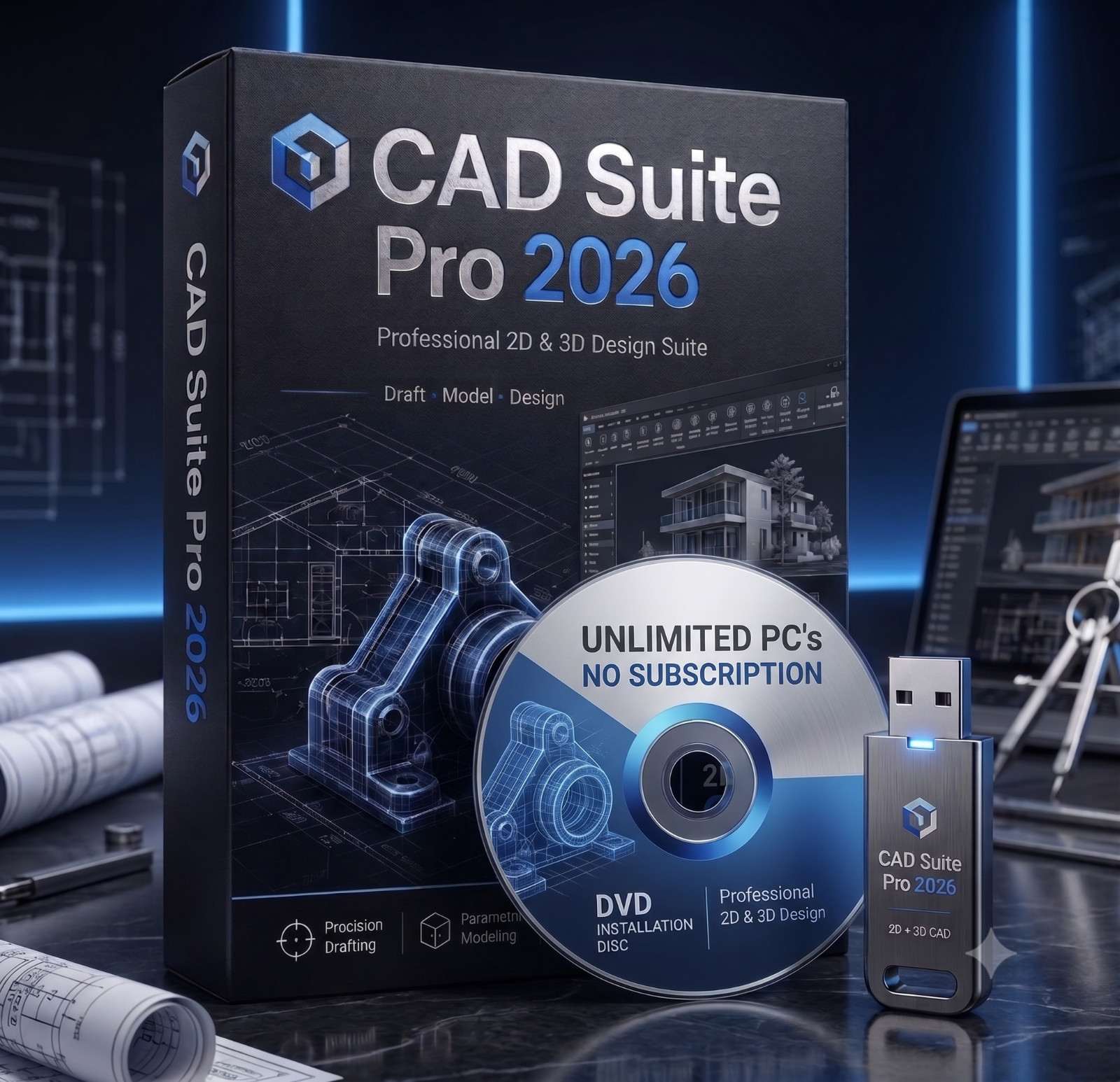
CAD Suite 2026 brings together open-source 2D drafting and 3D design tools on a DVD or USB, aimed at technical drawings, mechanical parts, product concepts, architectural layouts, and assemblies. The strong reason to pick it is the range: you get 2D drafting, 3D modeling, assembly design, visualization, and import/export in one prepared package, and it carries a lifetime license. It also supports older Windows versions, which is useful if you work in a mixed environment. The trade-off is scope versus polish: this is a professionally prepared collection rather than a retail-boxed commercial suite, and it expects a 2 GHz processor and 2 GB of free hard-drive space. If your work mixes mechanical drawing with 3D modeling, this is the better match.
TinyCAD Electrical PCB Circuit Diagram Software
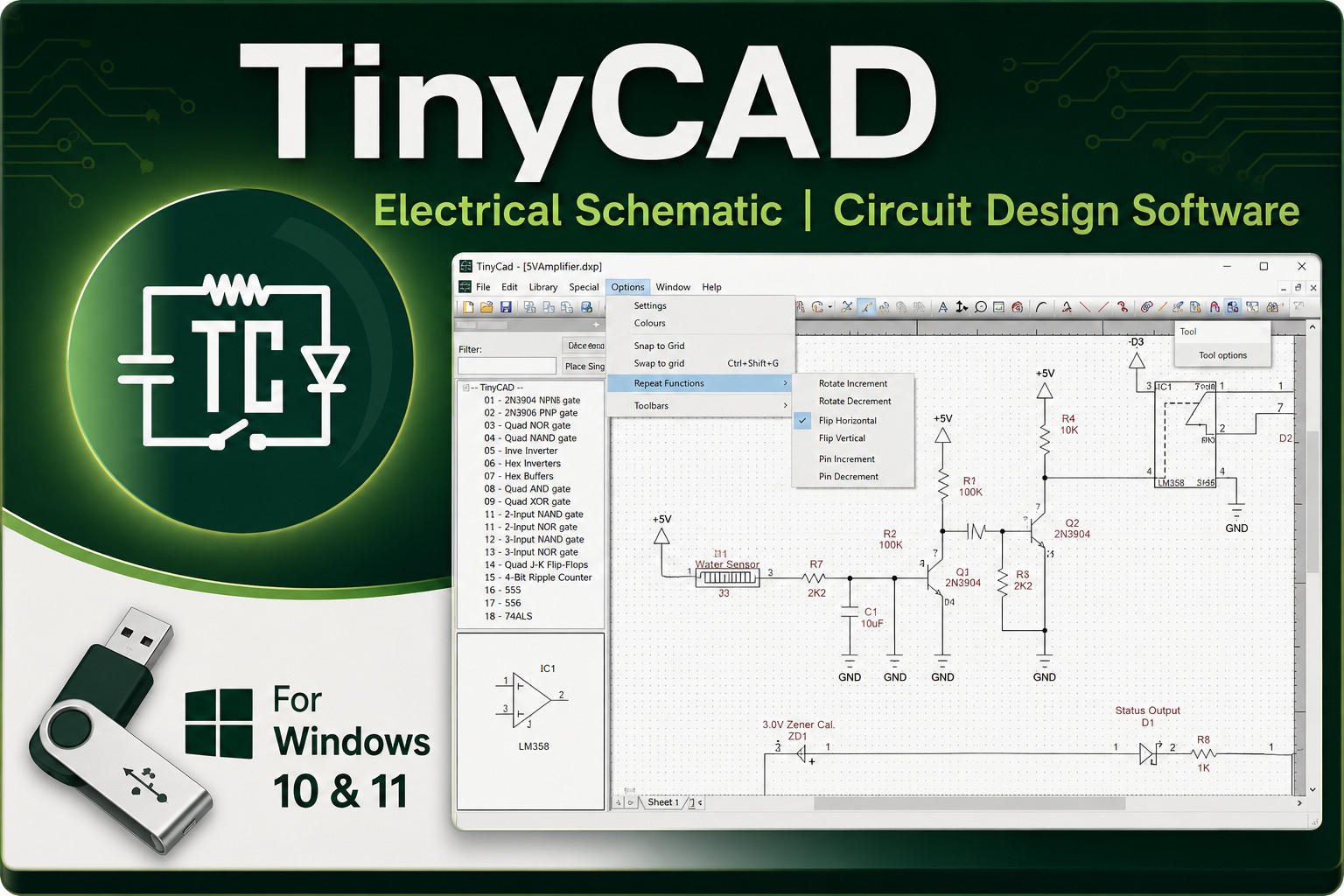
TinyCAD is an open-source schematic capture program built for one job: creating circuit diagrams and preparing netlists for PCB layout. The reason to choose it is that it handles that job well with a schematic capture editor, a comprehensive symbol library, and netlist generation for PCB tools. It also carries a lower listed price than the CAD Suite. The limiting side is its scope: TinyCAD focuses on electrical schematics and netlists, not on mechanical drafting, 3D modeling, or assembly design. If your work is electronics-only, the lower price and focused feature set make it a sensible pick.
Final Choice by Use Case
If your drawing work is mechanical-parts, assemblies, architectural layouts-choose CAD Suite 2026. If your drawing work is electrical-circuit schematics, PCB layouts-choose TinyCAD. If you need both, weigh the broader CAD Suite against the listed price difference of USD 24.00; for a dedicated electronics workflow, TinyCAD's narrow scope is an advantage.
