Digital Design Files and Plans: Separating Myths from Facts
Learn what digital design files and plans can and cannot do, including how file types, resolution, and storage choices shape everyday project workflows.
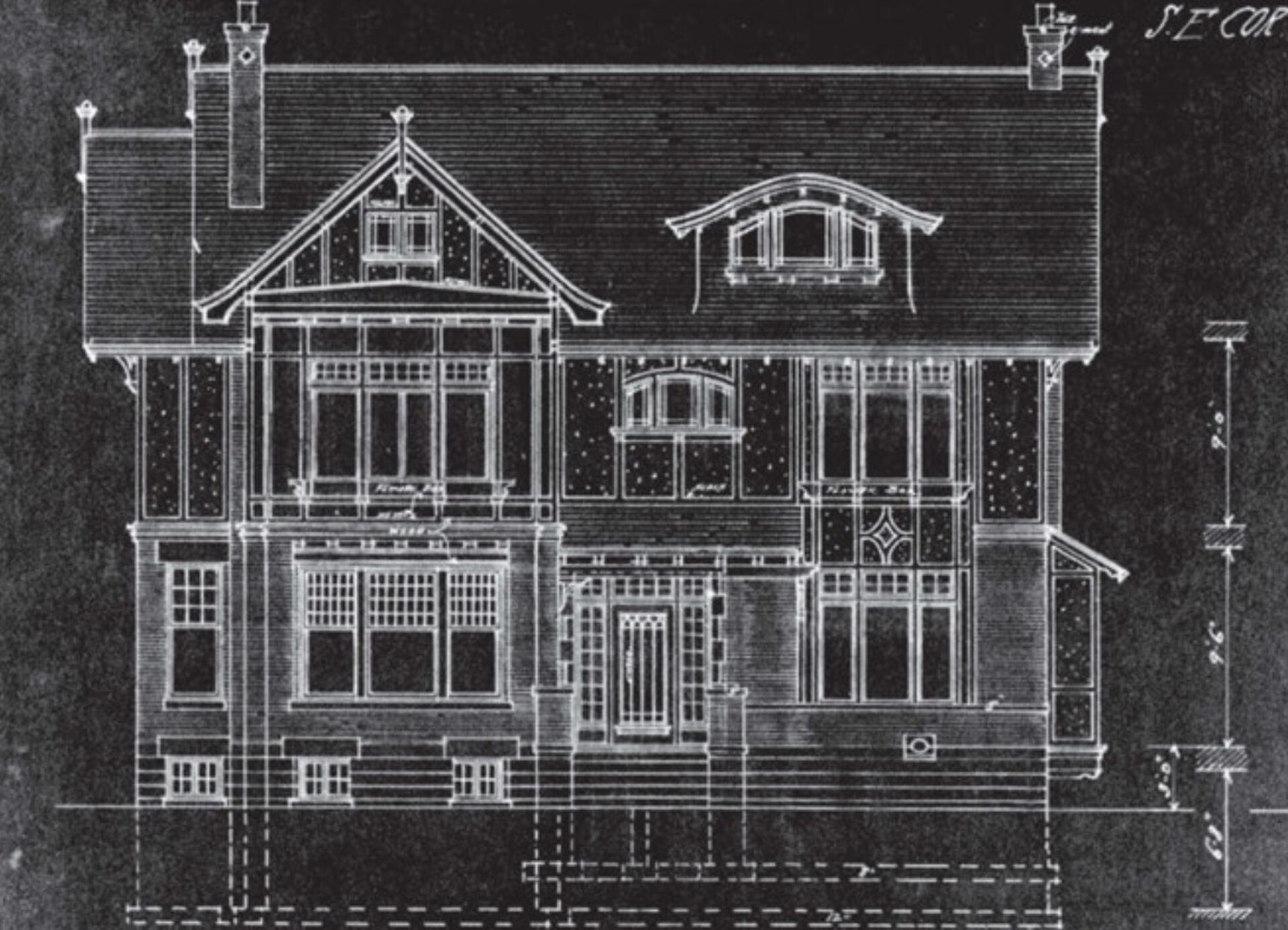
Cover: Nancy Z. Tausky and Lynne D. Distefano. (2018) Victorian Architecture in London and Southwestern Ontario: Symbols of Aspiration, Toronto: University of Toronto Press, p. 439 · Wikimedia Commons · Public domain
Question: What common beliefs about digital design files and plans are myths, and what are the facts?
Myth: A PDF is always the same as the original design file
A PDF is a page-description format designed mainly for viewing and sharing. It is not a native CAD, illustration, or photo-editing file. It may contain vector or raster content, but converting a drawing to PDF can flatten layers, merge objects, and leave out editing history. For documents where later editing is needed, the original working file is the better master copy.
Myth: Vector and raster are just different names for the same thing
Vector files describe shapes with mathematical lines and curves, while raster files are grids of pixels. Choosing one is not about 'better' but about purpose: plans with precise edges often use vector, while photographic textures use raster. A file's extension alone does not change its internal data, so renaming a raster file to a vector extension does not make it a true vector file.
Myth: Bigger file always means better quality
File size can reflect either high resolution or unnecessary data. Compressed formats may lose detail, which matters for printing or zooming. A large file can still be low quality if it was encoded with excessive compression. Size is not the same as fidelity; the intended use should guide the format and quality settings.
Myth: Keeping one copy is enough
Storing a design plan in only one location, whether local or cloud, is a common risk. Digital files can be overwritten, corrupted, or lost due to hardware failure and human error. Keeping copies in multiple places and formats gives a practical safety net for important plans.