If you need CAD mechanical drawings, the immediate decision is whether you want a finished drawing file or the software to create the drawing yourself. The listings here are split that way: one ready-made CNC DXF drawing for a specific kitchen unit, and three USB-installed CAD programs for different drafting tasks. Prices span from USD 13.99 to USD 201.50, so the choice also depends on whether you are producing plans from scratch or just need a plan you can send to a CNC machine.
Quick take
For a project that needs a specific kitchen-unit plan, the Vauxhall Vivro kitchen unit DXF drawing is the only ready-made file. For cross-platform 2D drafting, the Libre CAD 2D package for Windows and macOS offers DWG import/export on a USB drive. For circuit board schematic work, TinyCAD on Windows covers schematic capture and netlist generation. If you want LibreCAD for Windows with an installation guide and manual, the 2026 edition adds documentation to the package.
| Product | Listed Price | Price Bar |
|---|---|---|
| Vauxhall Vivro kitchen unit DXF CAD Files (CNC drawings) | USD 201.50 | |
| Libre CAD 2D - Computer Aided Design CAD Software Package for Windows & MacOS | USD 15.99 | |
| Electrical PCB Circuit Diagram schematic drawing design CAD for Windows on USB | USD 13.99 | |
| 2026 Libre CAD 2D Design Software for Windows with Installation Guide & Manual | USD 15.95 |
Decision matrix
| Product | Pick it for | Keep in mind |
|---|---|---|
| Vauxhall Vivro kitchen unit DXF | Ready-made CNC furniture drawing | Single kitchen-unit plan, not a design tool |
| Libre CAD 2D (Windows & MacOS) | Cross-platform 2D drafting and DWG import/export | USB drive without retail box |
| TinyCAD PCB schematic | Circuit diagram capture and PCB netlists | Listed for Windows 10/11 |
| Libre CAD 2D 2026 (Windows) | LibreCAD with installation guide and manual | Described for Windows |
Product notes
Vauxhall Vivro kitchen unit DXF CAD Files (CNC drawings)
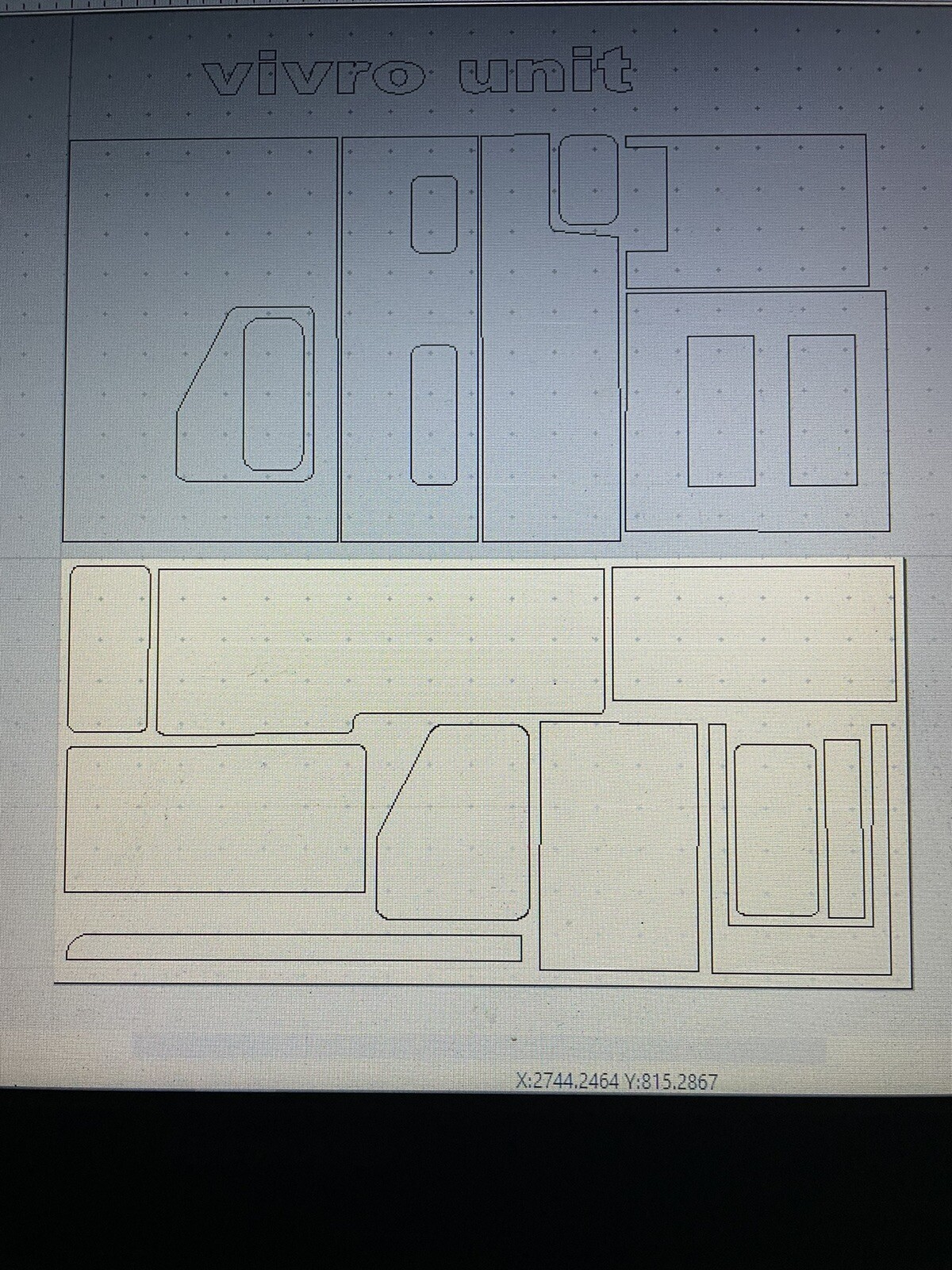
This is the only product in the group that gives you a drawing file instead of drawing software. It is described as a basic Vauxhall Vivro kitchen unit in DXF format for CNC use, and the unit is said to take two 8x4 sheets of wood. At USD 201.50, it makes sense if you already know that this is the exact cabinet you want to cut. The listed condition is New. The main limitation is scope: you get a plan for one kitchen unit, and returns are not accepted for this item, so matching your machine setup matters before purchase.
Libre CAD 2D - Computer Aided Design CAD Software Package for Windows & MacOS
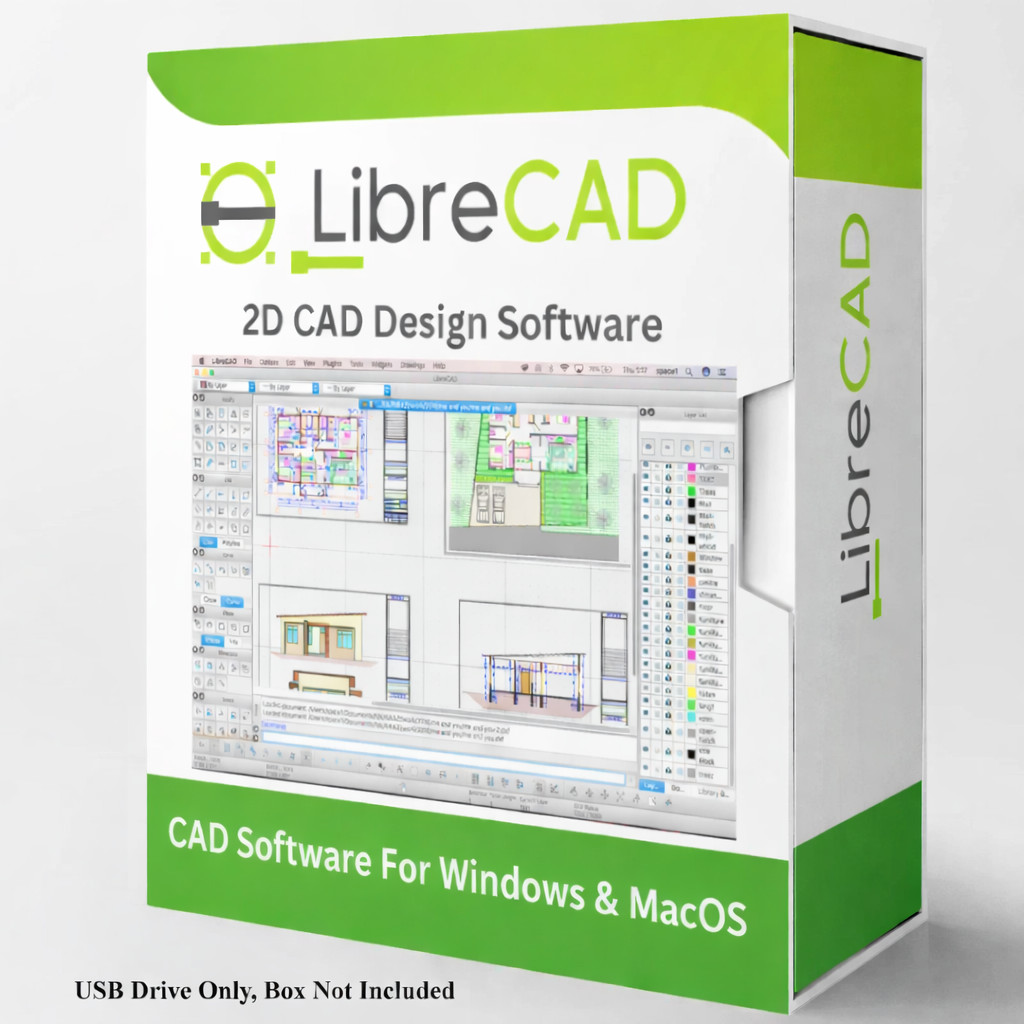
This USD 15.99 package delivers LibreCAD on a USB drive for Windows and macOS. The listed attributes call it a lifetime license, and the description highlights 2D design plus DWG import/export for AutoCAD-style collaboration. File compatibility includes common image formats such as BMP, GIF, JPEG, PNG, SVG, and more. The catch is the form factor: it is a flash drive only with no box included, and you will need at least 100 MB of free hard-drive space. It is a good pick if you want one tool that can move between Windows and Mac machines.
Electrical PCB Circuit Diagram schematic drawing design CAD for Windows on USB
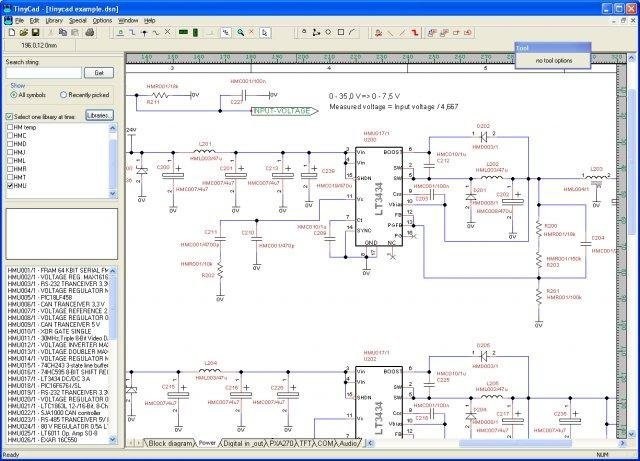
At USD 13.99, TinyCAD is the lowest-priced entry in this set. It is a Windows 10/11 schematic capture tool for creating and editing circuit diagrams, with a symbol library and netlist output compatible with PCB layout workflows. It is listed as new, English-language software from publisher TinyCAD. If your project is mechanical CAD, this is not the right tool, but if you are designing printed circuit boards or need to generate a schematic, it fills that niche at a lower price point than the ready-made DXF drawing.
2026 Libre CAD 2D Design Software for Windows with Installation Guide & Manual
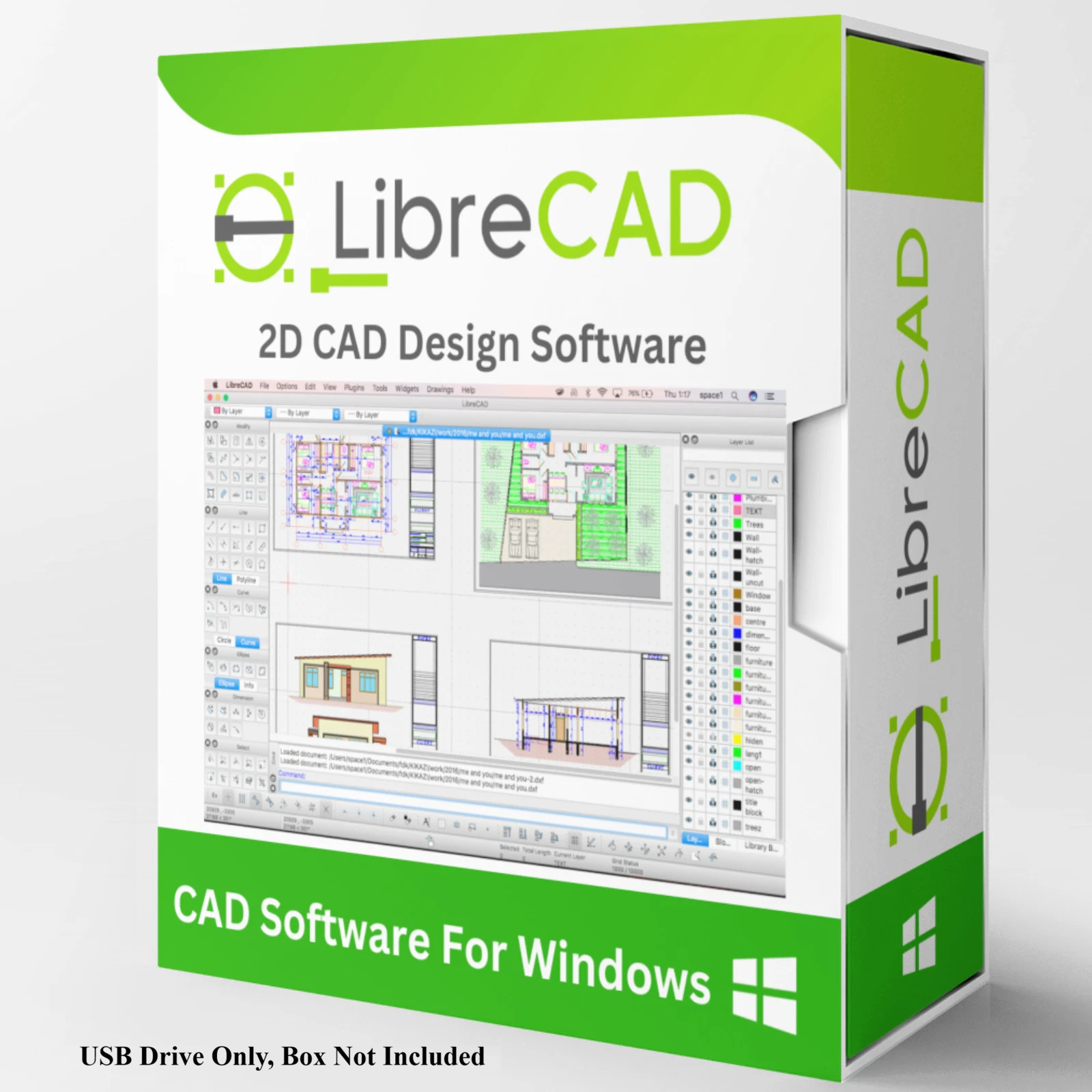
This USD 15.95 LibreCAD package is similar to the cross-platform version but is positioned as the 2026 edition for Windows and includes an installation guide and manual. It carries the same lifetime license, file compatibility list, and minimum 100 MB hard-drive requirement. The distinction is documentation: if you prefer a guide/manual alongside the software and you work on Windows only, this version gives you that bundle. The trade-off is that it is described as a Windows package, so cross-platform users should look at the other LibreCAD option.
Final recommendation
- Choose the Vauxhall Vivro kitchen unit DXF drawings if you need a ready-made CNC plan for that specific unit and know the file fits your workflow.
- Choose the Libre CAD 2D package for Windows & macOS if you need one 2D drafting tool that can work on both operating systems.
- Choose the TinyCAD PCB schematic software if your task is electrical circuit diagram design rather than mechanical drawing.
- Choose the 2026 Libre CAD 2D with Installation Guide & Manual if you want LibreCAD on Windows and like having documentation bundled on the USB.
