When you need CAD mechanical drawings software, the choice isn't just about drawing tools-it's also about how each package is delivered and what your computer can handle. This head-to-head compares two Windows-based options at similar listed prices: the open-source-focused CAD Suite 2026 and the OEM-style CorelCAD 2021. Both aim at 2D drafting and 3D design, but they take different paths to get there. If you're replacing an older CAD package or starting fresh, the trade-off sits somewhere between flexibility and focus.
Quick verdict
Quick verdict: go with CAD Suite 2026 if you want the lower listed price and broader OS compatibility. Choose CorelCAD 2021 if you prefer an OEM package from Corel.
Comparison at a glance
| Feature | CAD Suite 2026 | CorelCAD 2021 |
|---|---|---|
| Price bar | ||
| Listed price | USD 39.99 | USD 41.99 |
| Condition | Brand New | Like New |
| Format | DVD or USB | DVD |
| OS support | Windows 7, 8, 8.1, 10, 11 | Windows 10, 11 |
| Min. hard drive | 2 GB | 1 GB |
| Min. processor | 2 GHz | 1.5 GHz |
| License | Lifetime | Lifetime |
Both are English-language, lifetime-licensed Windows products, so your decision hinges on the details that matter most for your setup.
Where each product wins
CAD Suite 2026 wins for buyers who want an open-source toolkit that covers assemblies and visualizations, plus the convenience of choosing between DVD and USB media.
CorelCAD 2021 wins for buyers who want a focused commercial-style drafting package with STL, PDF, and CDR file output.
Product notes
CAD Suite 2026 USB 2D Drafting 3D Modeling Software for Windows
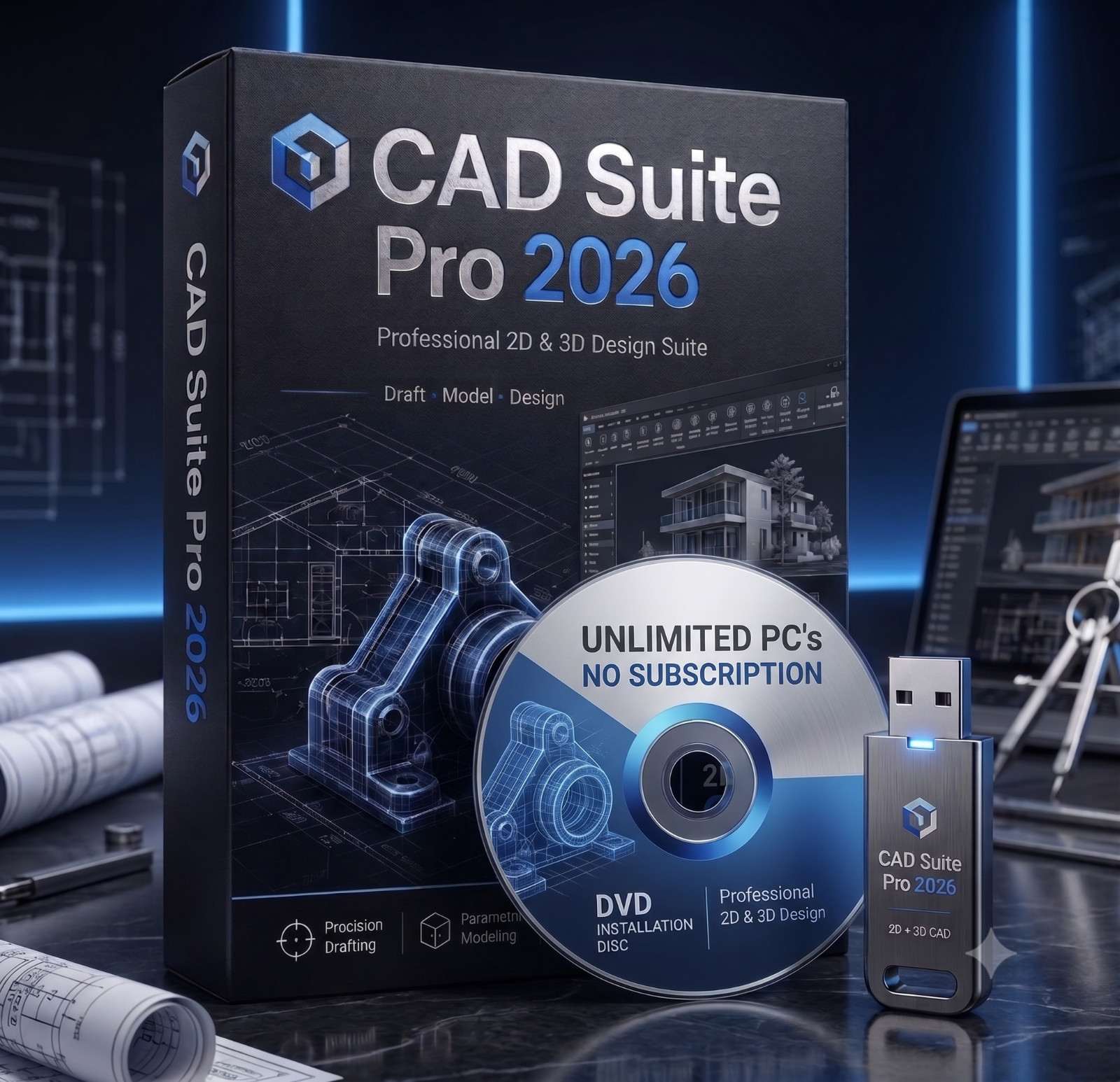
CAD Suite 2026 is an organized collection of open-source tools that includes 2D drafting, 3D modeling, assembly design, and visualization. That breadth makes it a strong starting point for technical drawings, mechanical parts, and architectural layouts. The listing also mentions use for product concepts, assemblies, and educational projects, so it can handle more than just basic drafting. The package is described as professionally prepared, with setup convenience, digital instructions, packaging, and seller assistance included. The one caveat is that this is not a retail-boxed commercial software package; you are buying prepared physical media with the software files organized for you. If you know what that means up front, this open-source collection gives you plenty of room to grow.
CorelCAD 2021 CAD OEM Software For Windows 10 and 11
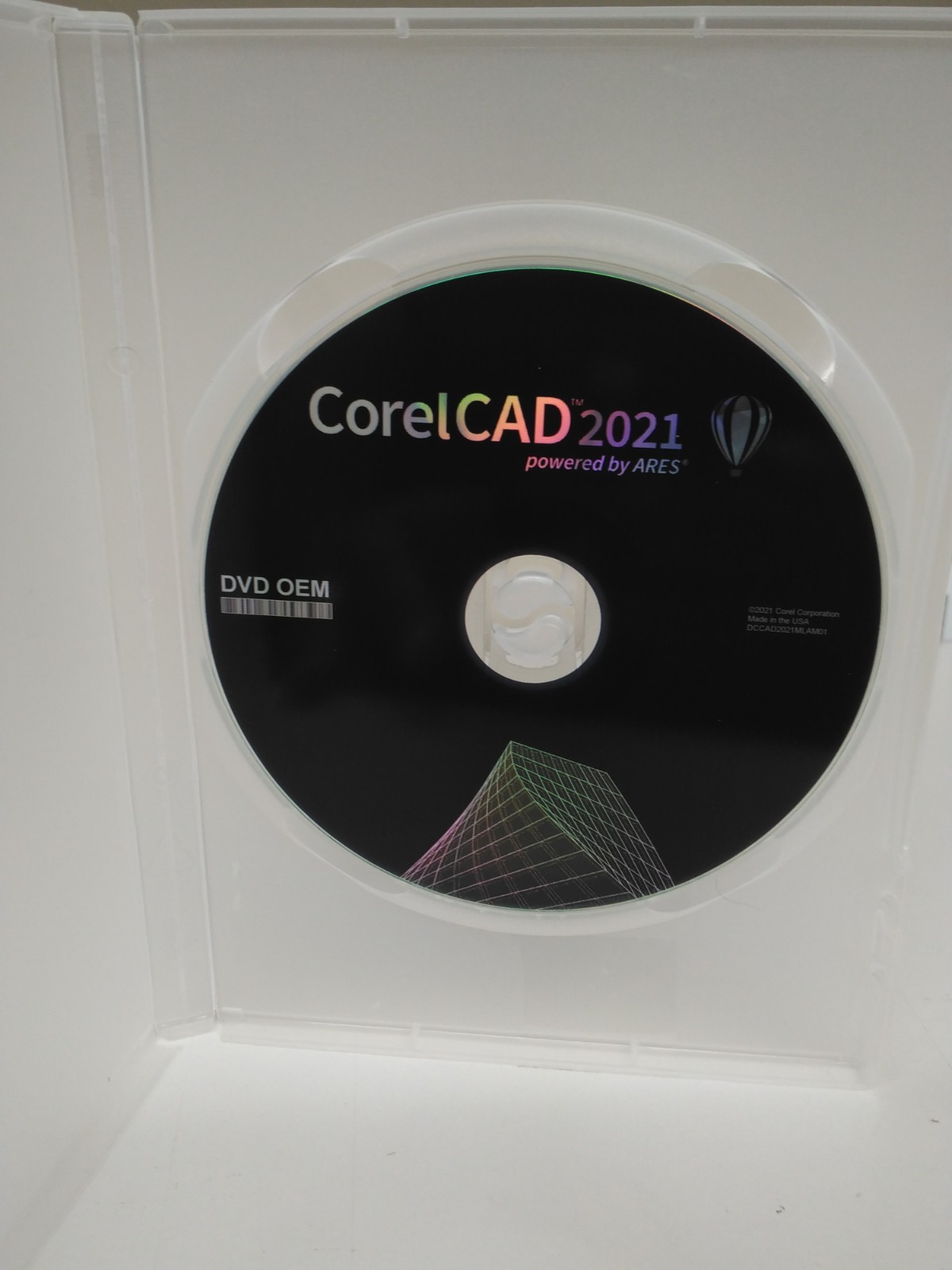
CorelCAD 2021 is a like-new OEM copy that focuses on professional 2D drafting and 3D design for architecture, engineering, construction, and manufacturing. It brings in STL, PDF, and CDR support, which is a practical fit if you need to move mechanical drawings into 3D printing or share them across other CAD programs. It also asks for fewer system resources, with a minimum 1 GB hard drive and 1.5 GHz processor. The trade-off is the DVD-only format, so you'll need an optical drive to install it. Otherwise, this listing is positioned as a streamlined, single-purpose drafting package. If you mainly work on mechanical drawings rather than broad visualizations, it can keep your workflow simpler.
Final choice by use case
For an all-in-one open-source toolkit, choose CAD Suite 2026. For a more targeted CAD program, choose CorelCAD 2021. Think about your workflow and installation comfort, then pick the package that lines up with your setup.
